


New Feature: Quote Preview
Quote Preview Video Transcript
Hello. I’m excited to share with you a new feature we’ve brought to Tommy: Quote Preview, giving users the ability to preview window and door quotes without generating a quote PDF document.
You’ll notice this quote is in draft. Previously, I would have had to generate the quote PDF to view it. That would lock the quote and mean that I’d need to copy it to make any changes.
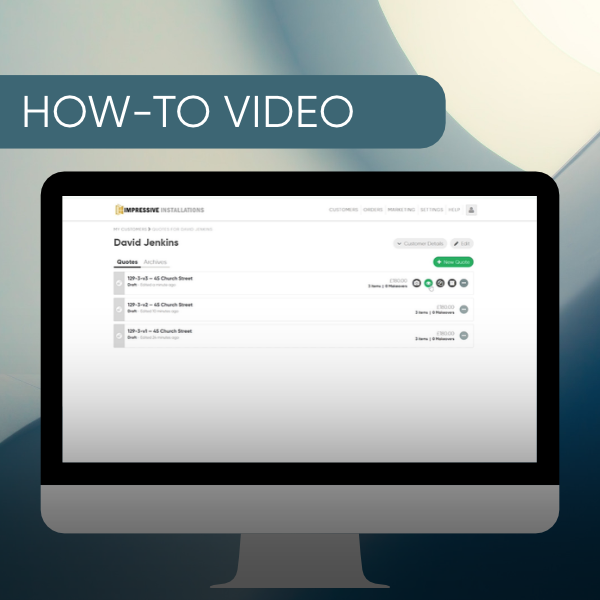
With Quote Preview, we can view the quote PDF without locking the quote. You’ll notice this new icon here.
This is the Quote Preview icon. If I hover over that, you can see that it says, “Preview Quote PDF. Won’t lock or send the quote.”
So, let’s go ahead and click on that.
It’s now generating a preview.
It’s gone green. I’ll click on that again, and here’s the quote preview.
Now let’s close that.
Let’s say we make a change to this quote. Let’s remove this living room number three.
You’ll notice this icon has now gone grey with a little orange dot.
The message is telling us that the previous Preview Quote PDF is out of date, so we need to click to regenerate it.
Go ahead and do that, and you’ll notice the icon has gone green.
Let’s click on that again, and here’s the new quote preview with just these items.
If I go back to the customer and click on these three dots here, I can also click on the Quote Preview icon here.
And that’s it.


